3D-PRINTED ELECTRIC — BUILD TIMELINE
Making the electric.
Start to finish, in the order it actually happened.
Stage One
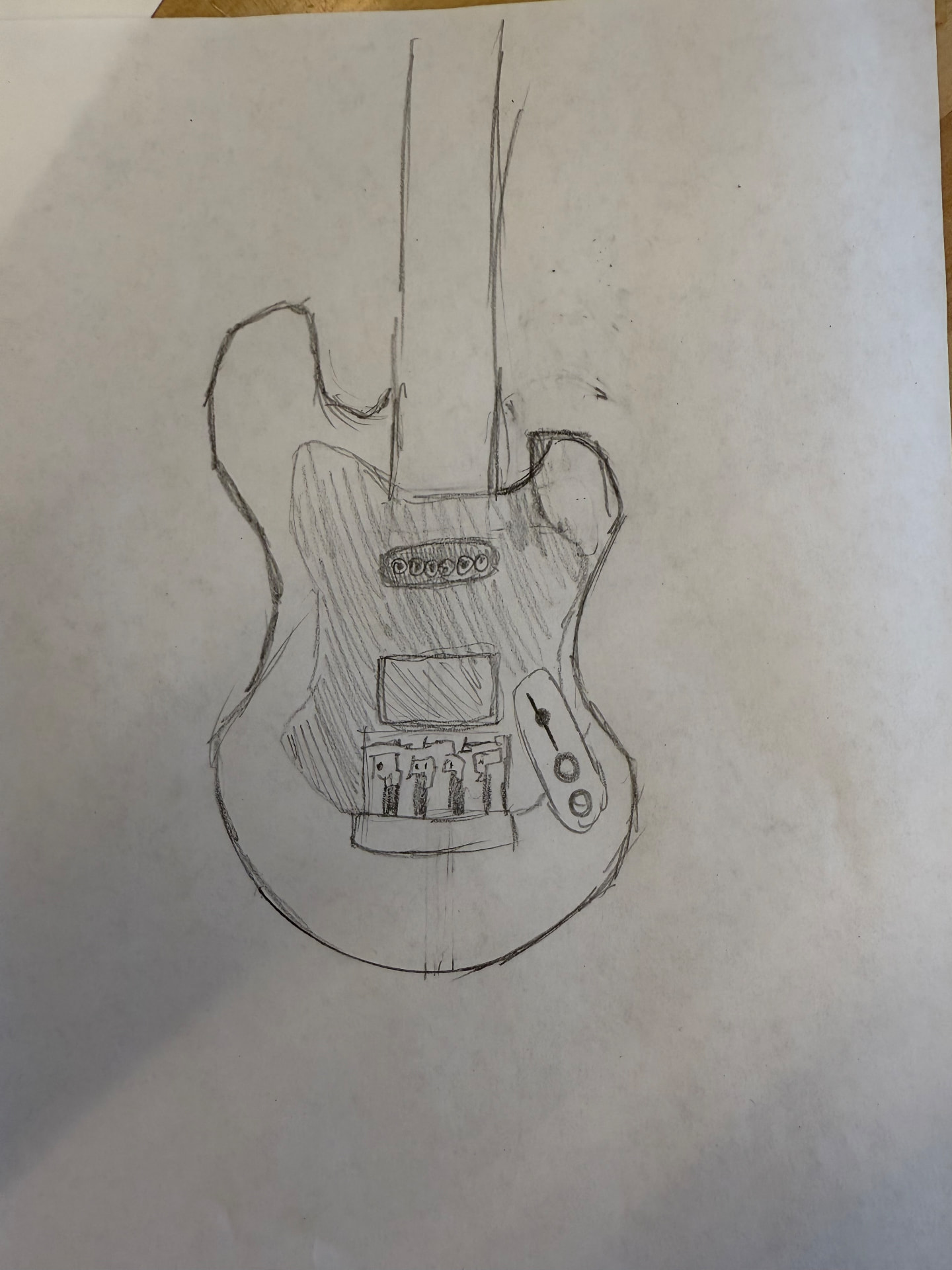
Initial sketches
Drawing inspiration from some of my favorite guitars, I began the project by sketching out ideas for the shape of the instrument.
Stage Two
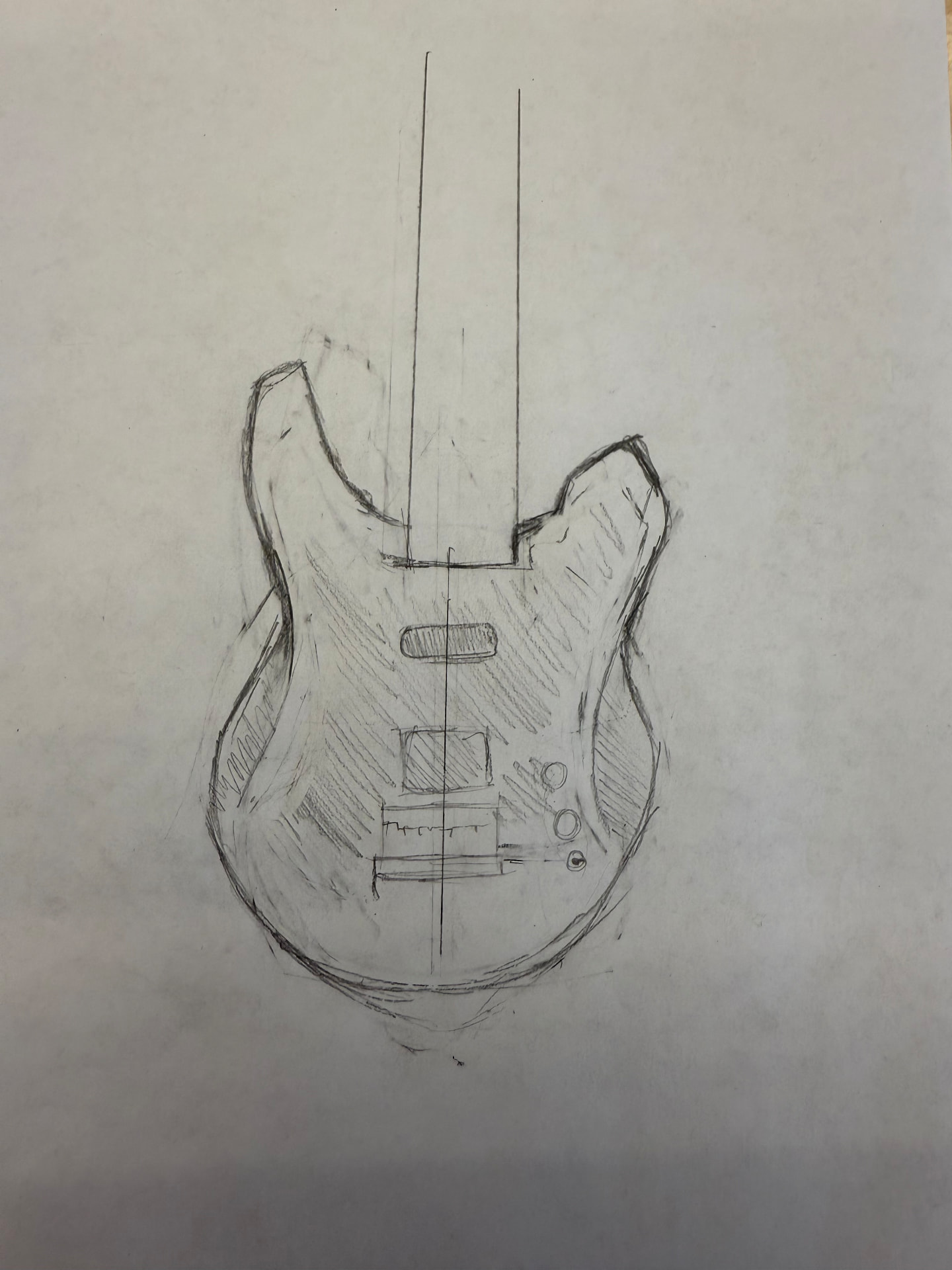
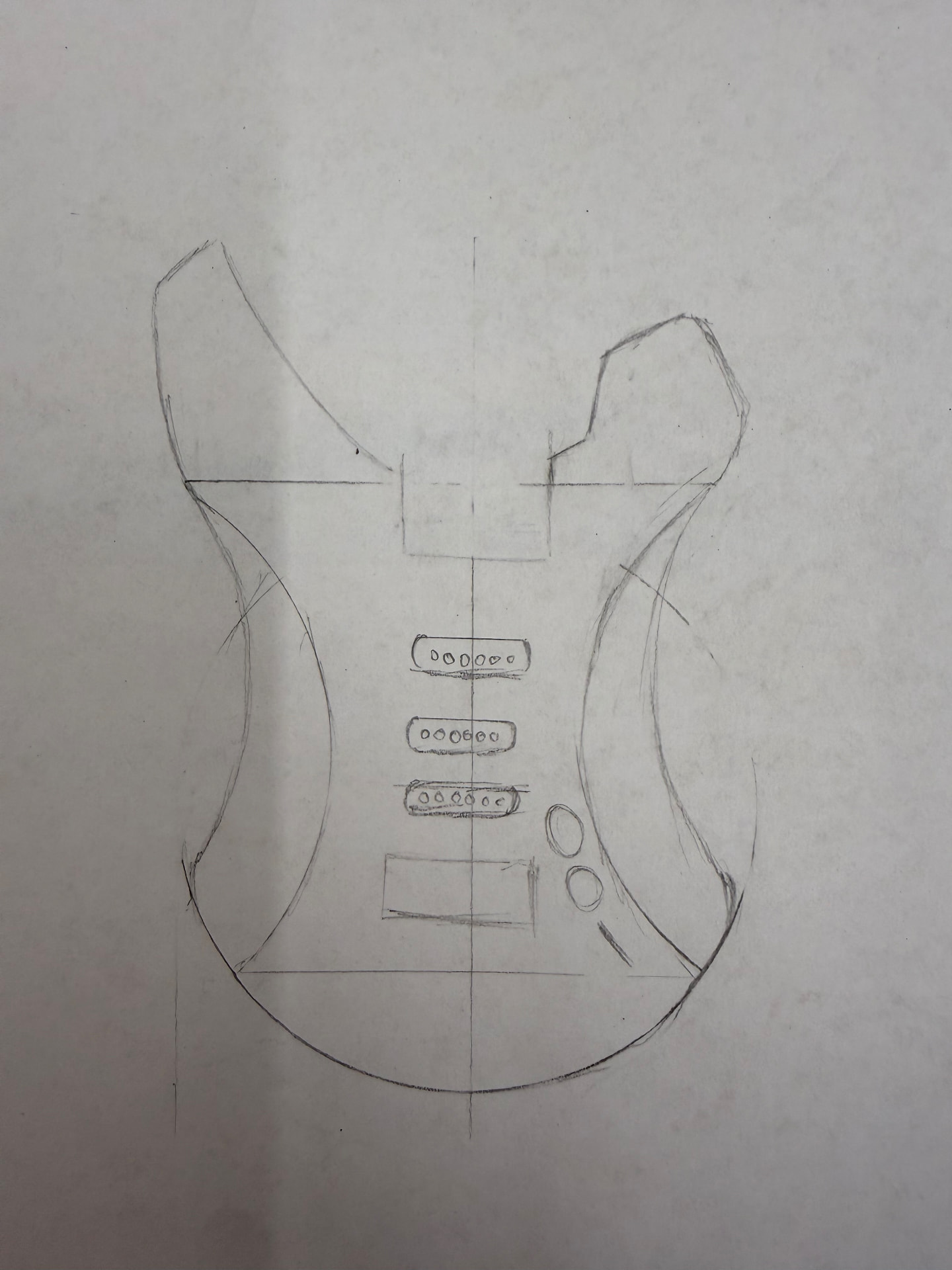
The final sketch
After several drafts, I ended up combining the aspects of each prior draft that I loved most.
Stage Three
The cardboard axe
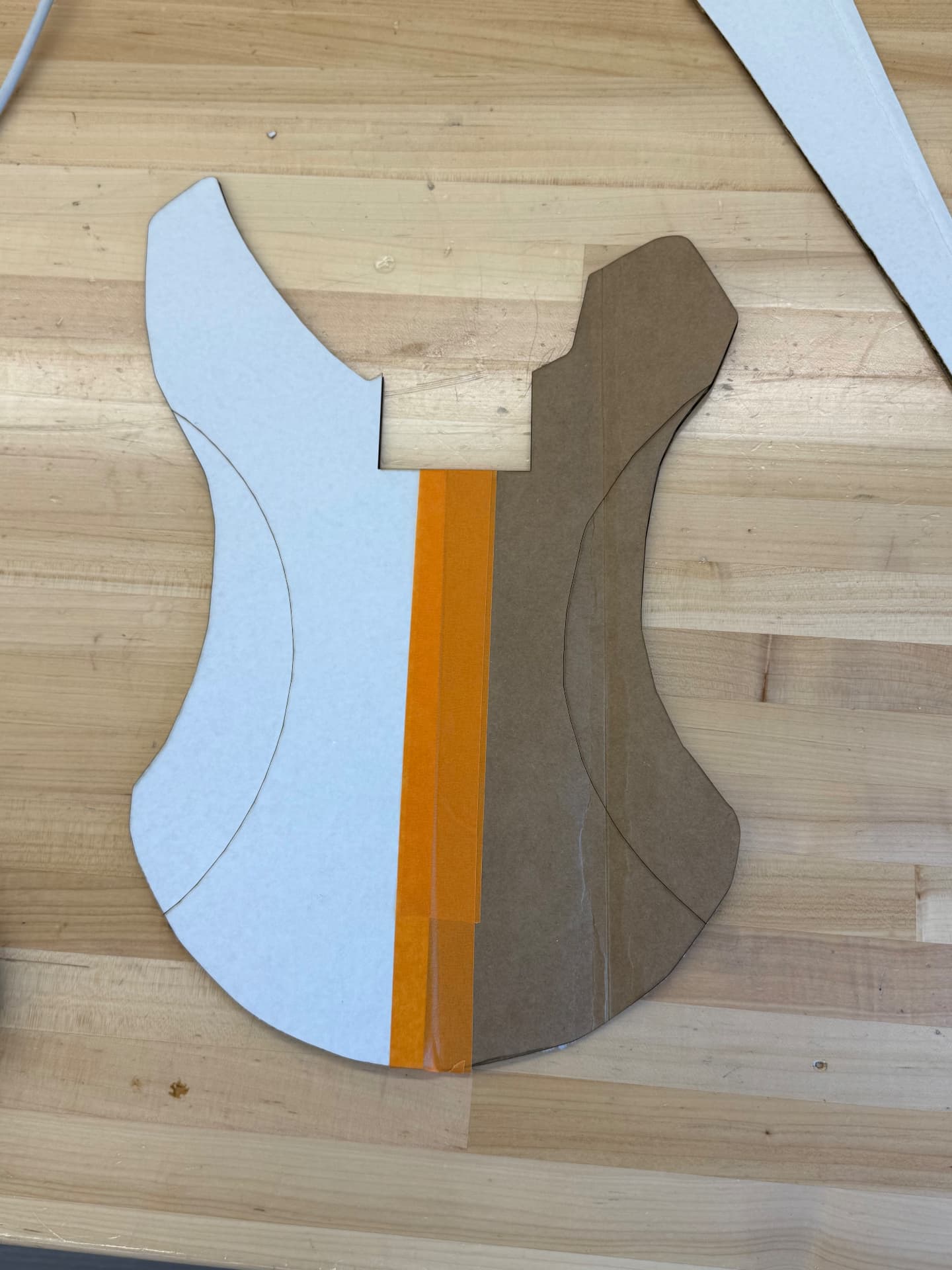
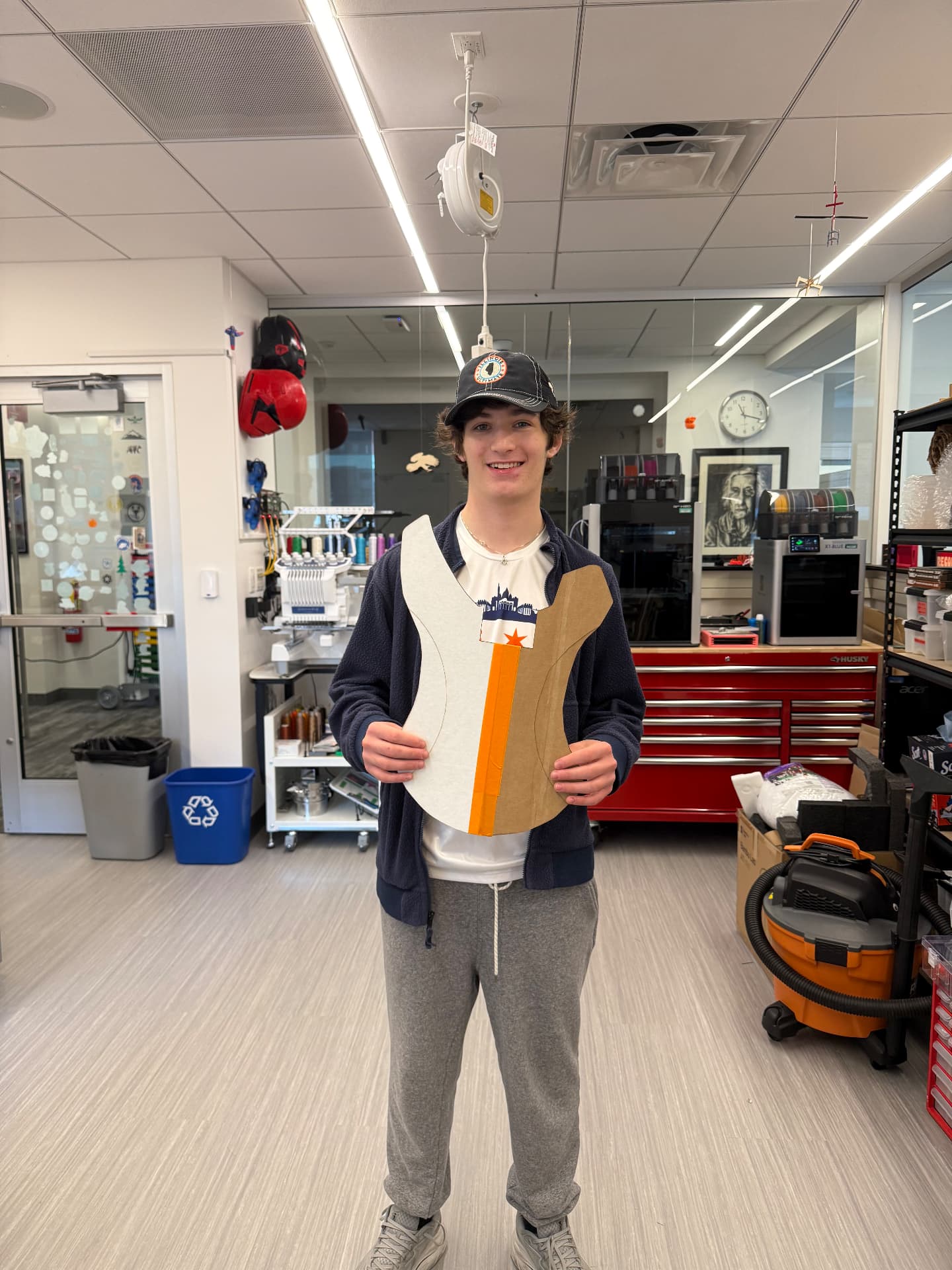
In order to get a better idea of the guitar's proportions, sizing, and feel, I traced my final sketch into Adobe Illustrator and used a laser cutter to create a scale model of the instrument.
Stage Four
The cardboard axe 2.0
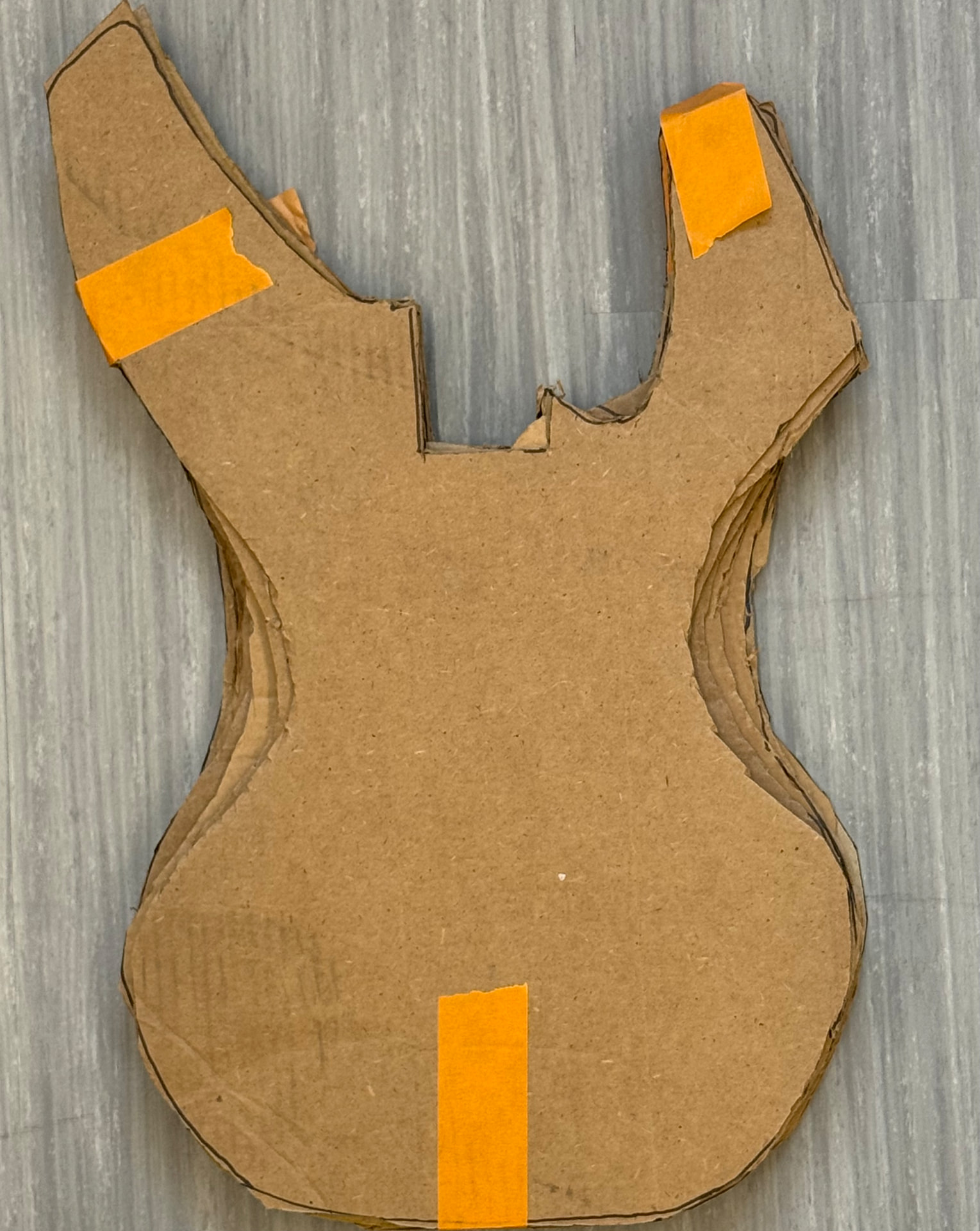
After adjusting my sketch based on the first cardboard cutout, I cut out several new pieces using the new sketch and layered them. The goal of this step was to figure out how thick the body of the guitar should be. By layering the cardboard, I could get an idea of how different thicknesses felt in my hands before I committed to a single one.
Stage Five
Modeling pt. 1
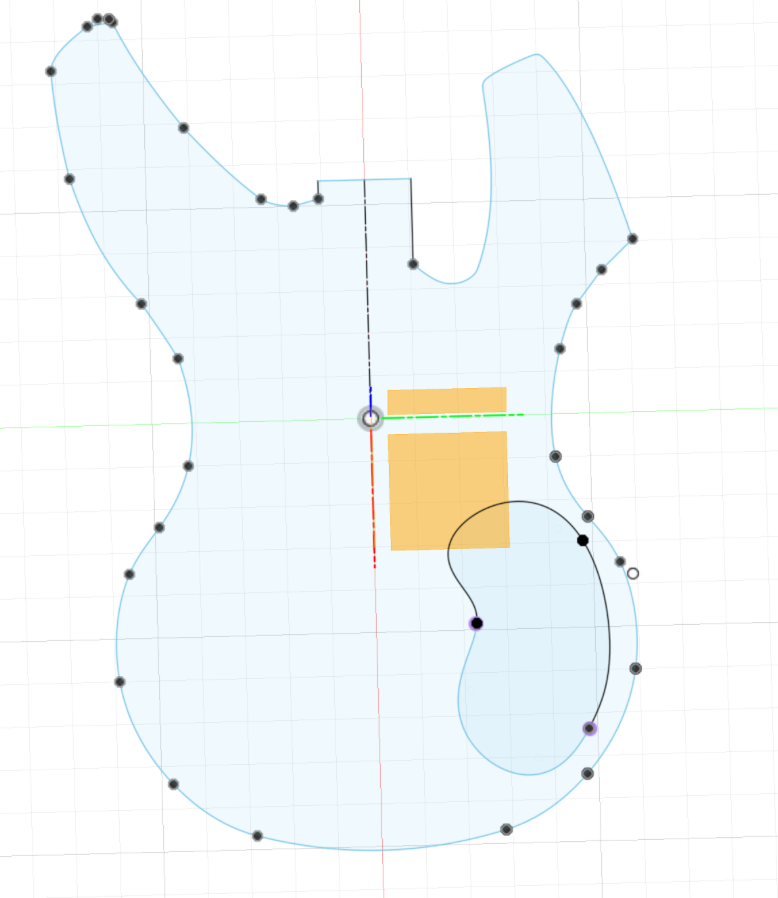
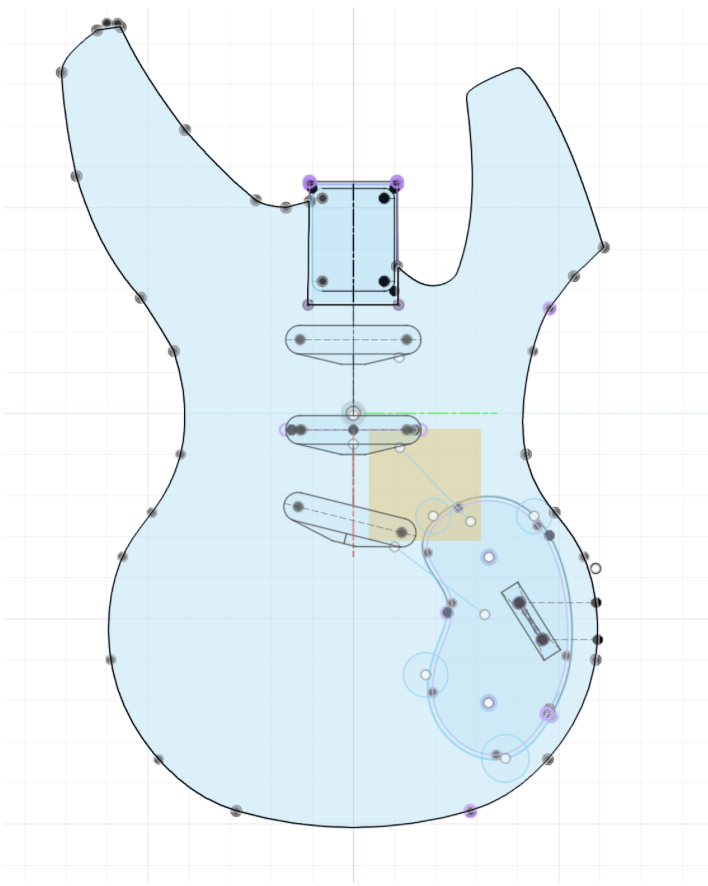
Once the design was finalized, I began creating the 3D file. I did all of the modeling in Autodesk Fusion. To start, I traced the final drawing and adjusted it so that the length and width were at the appropriate measurements.
Stage Six
Modeling pt. 2
Once the outline was in place, I measured out the electronics and pickups and began creating slots and cavities for them to fit into.
Stage Seven
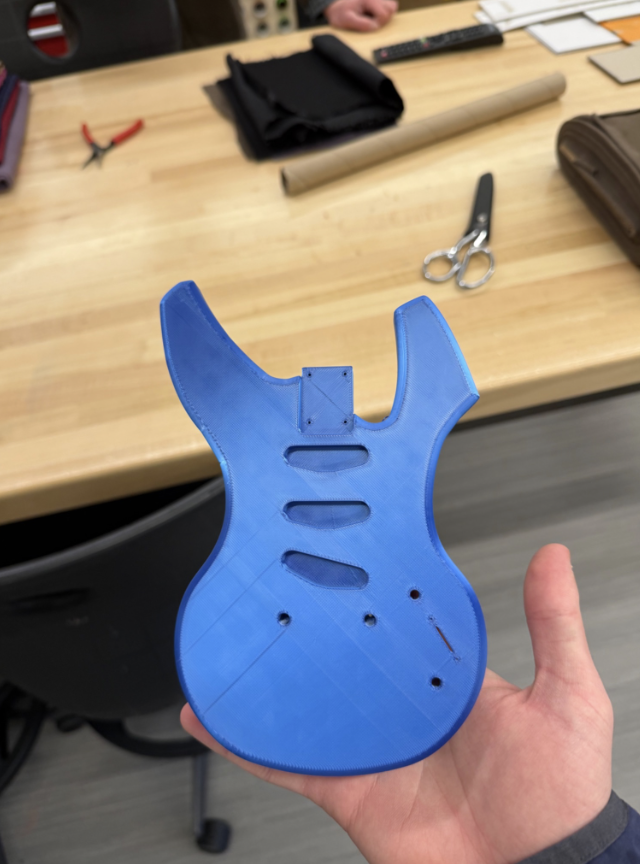
1/5 size model
Before adding final details, I 3D-printed the model at 1/5 size to get a more tactile feel for the project so far.
Stage Eight
Modeling pt. 3
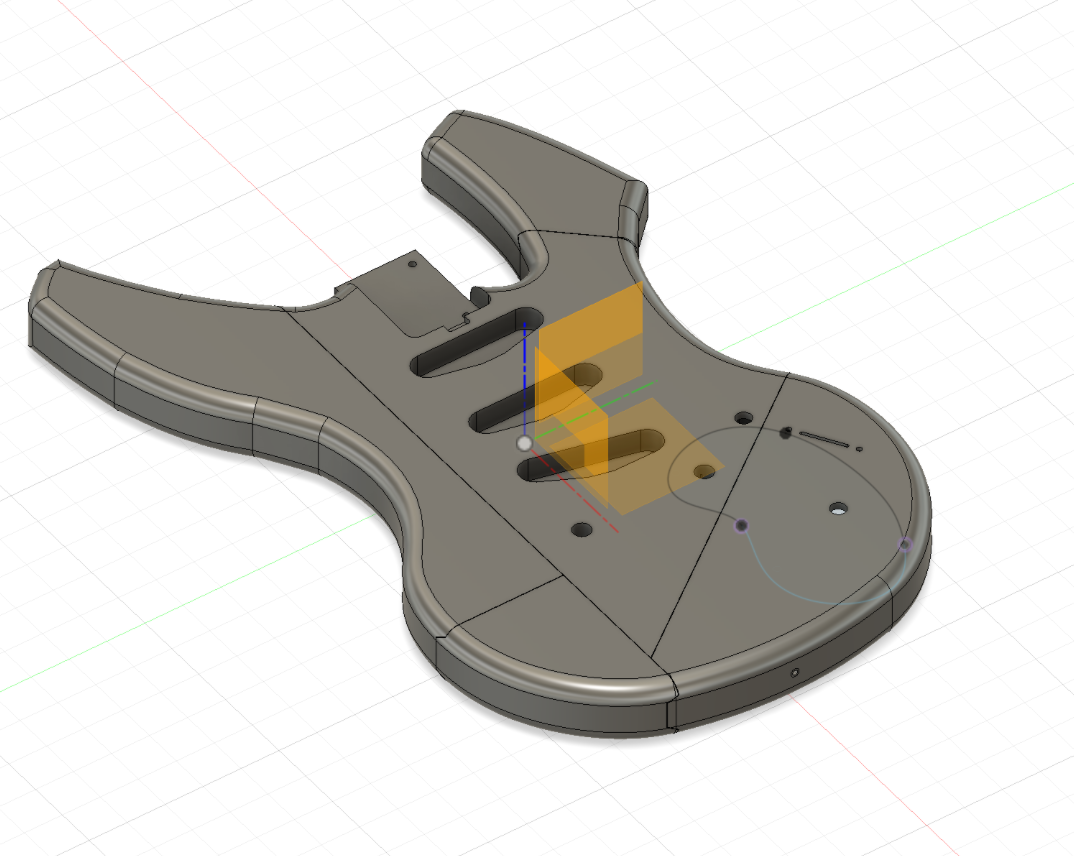
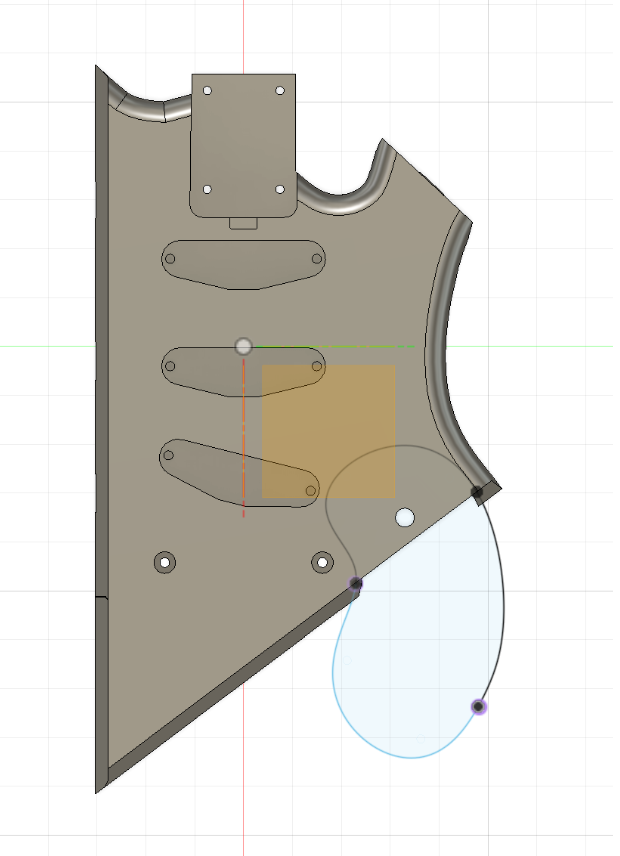
Once the model was finalized, I split it up into interconnected pieces in order to get it to fit on the build plate of the 3D printer.
Stage Nine
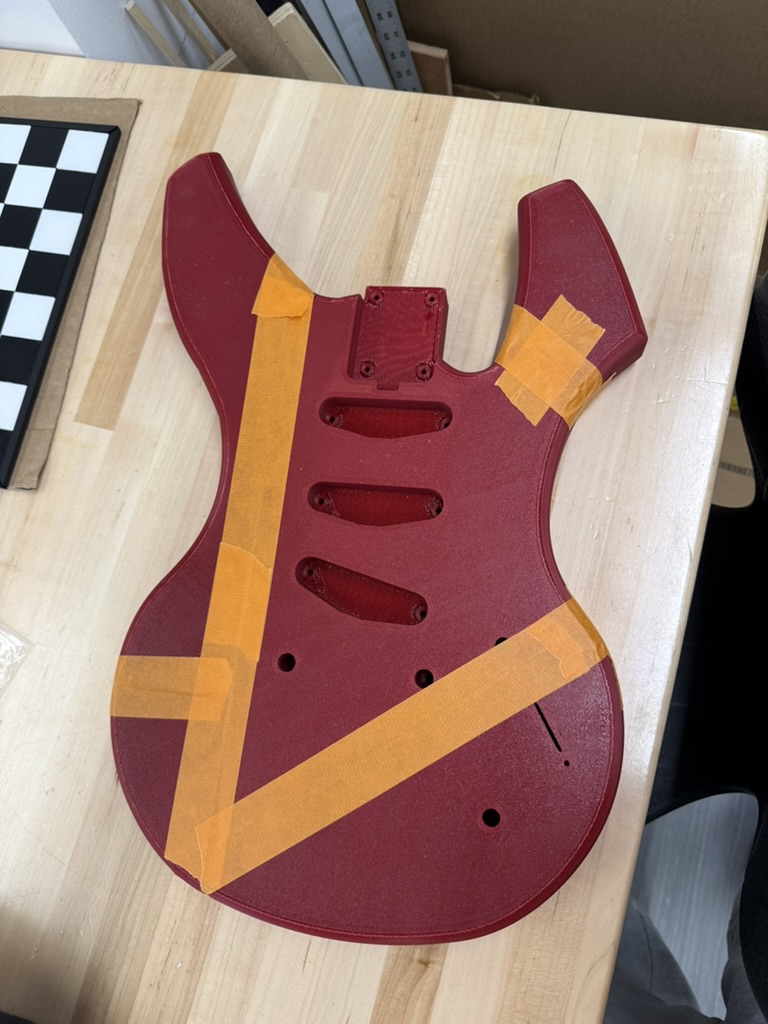
Printing
Once the model was complete, it was time to print each part.
Stage Ten
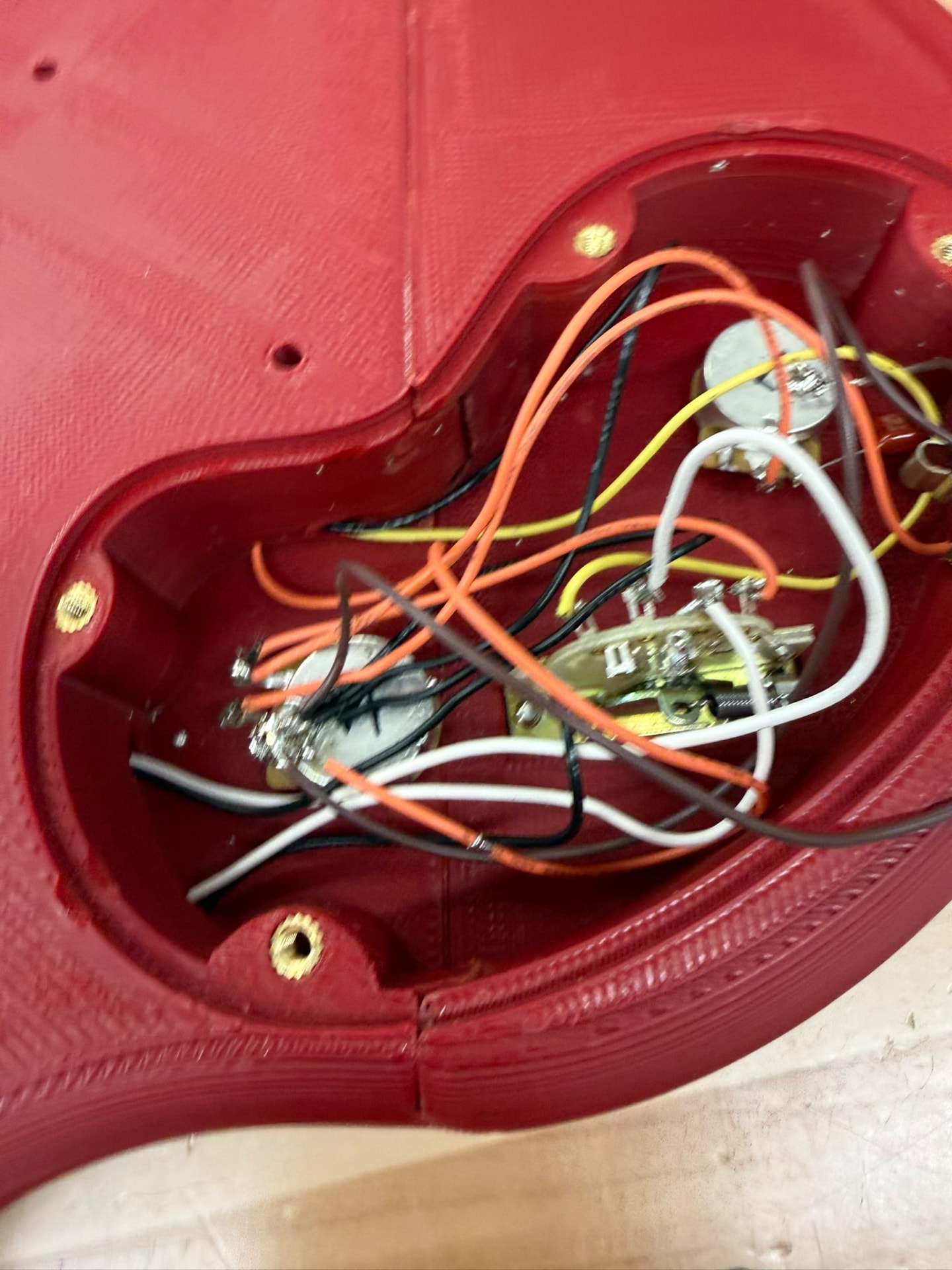
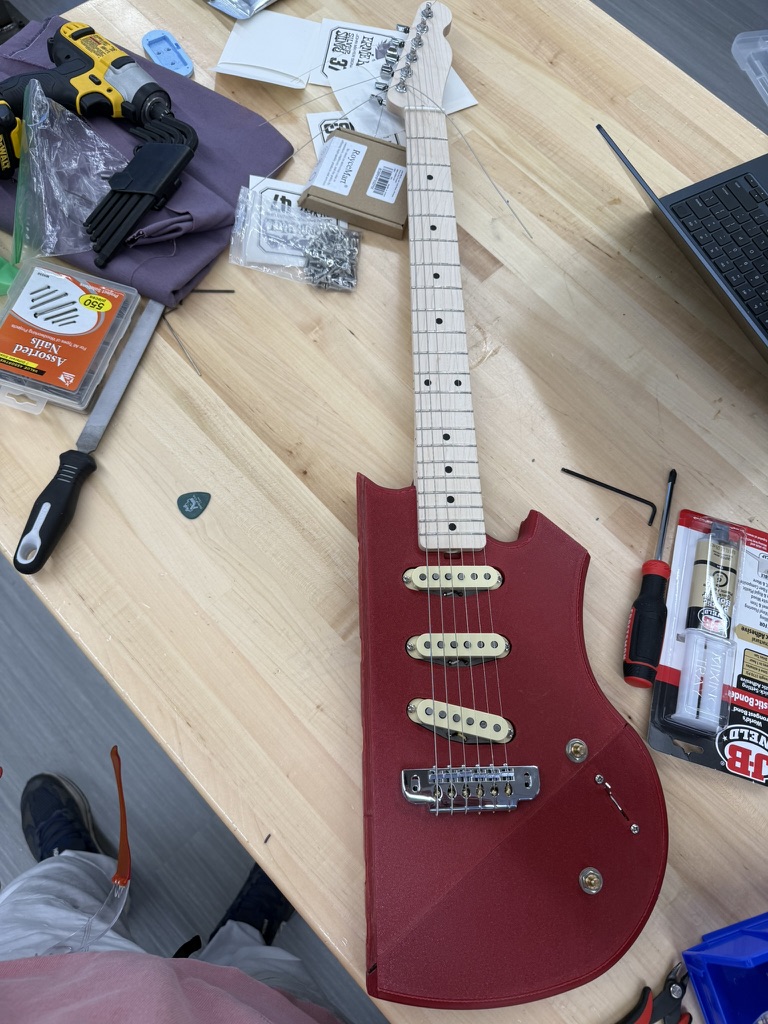
Some assembly required
Once each part had been printed, it was time to install the electronics and the neck, all of which were purchased separately. Soldering inside easily meltable plastic proved to be rather difficult for obvious reasons, but after some time the internal cavity was correctly wired.
Stage Eleven
Epoxy
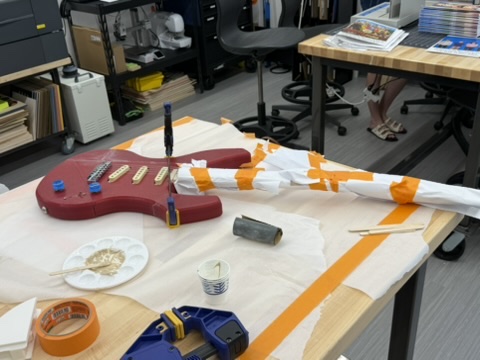
Using epoxy resin, plastic glue, and clamps, I permanently bonded each part of the guitar's body together.